Running a small business or growing a blog is no easy feat. You pour your heart and soul into your work, but sometimes you feel invisible online. The truth? If you’re not showing up on Google, potential customers may never find you. That’s where SEO (Search Engine Optimization) steps in—and the right tools can make all the difference.
But with so many SEO tools out there, how do you pick the best ones that won’t break the bank or overwhelm you? As your friendly guide, I’ll walk you through the best SEO tools for small business owners and bloggers, share real examples, and give you practical, actionable tips to help you succeed.
Table of Contents
Why SEO Tools Matter for Small Businesses and Bloggers
SEO tools help bridge the gap between you and your competitors by providing valuable insights and automation. They help you:
- Identify keywords your audience is searching for
- Track your website’s rankings and performance
- Analyze competitors’ strategies
- Fix technical site issues
- Discover backlink opportunities
- Optimize your content for higher visibility
Without these tools, you’d risk wasting time guessing what works. Instead, you get actionable data to make smarter marketing decisions.
Best SEO Tools for Small Business
1. Google Search Console: Your Free SEO Companion
Why it’s great:
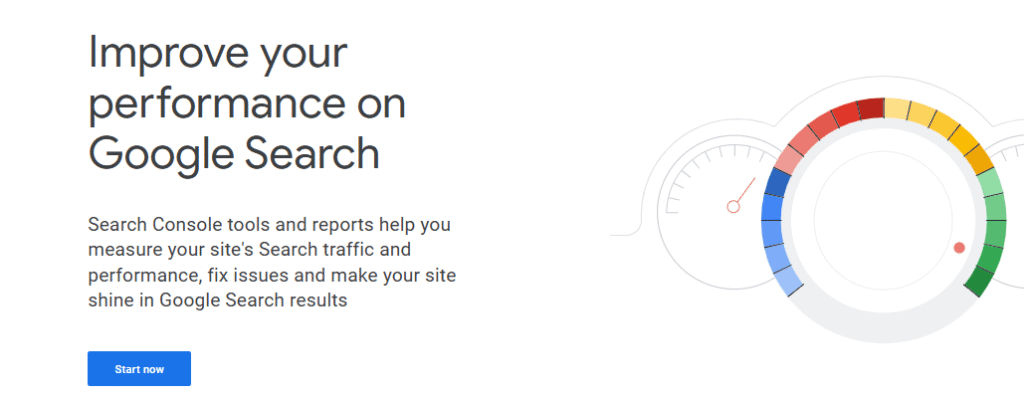
Google Search Console (GSC) is a must-have for all website owners. It’s free, provided by Google, and shows you how your site is performing in search results.
Key Features:
- See which keywords bring you traffic
- Monitor your site’s indexing status
- Find and fix technical issues
- Submit sitemaps for faster indexing
Expert Tip:
Check the “Performance” report weekly. If you notice keywords with lots of impressions but few clicks, optimize your content around those keywords for better results.
2. Ubersuggest: Affordable Keyword & Competitor Research
Why it’s great:
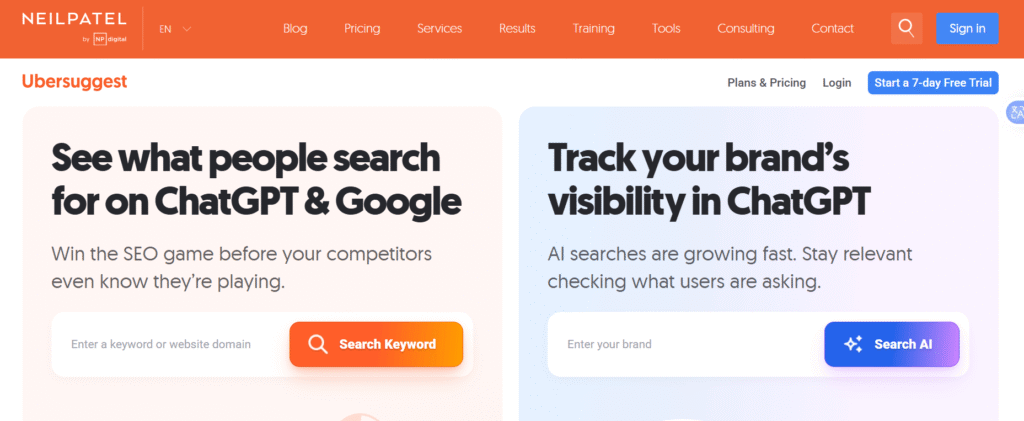
Ubersuggest, created by Neil Patel, is an affordable alternative to pricier tools like Ahrefs or SEMrush—perfect for small budgets.
Key Features:
- Keyword suggestions and search volumes
- Competitor analysis (see what your rivals rank for)
- Site audit for health checks
- Backlink data
Expert Tip:
Look for “low difficulty, high volume” keywords. These are easier to rank for and can bring in lots of traffic with less effort.
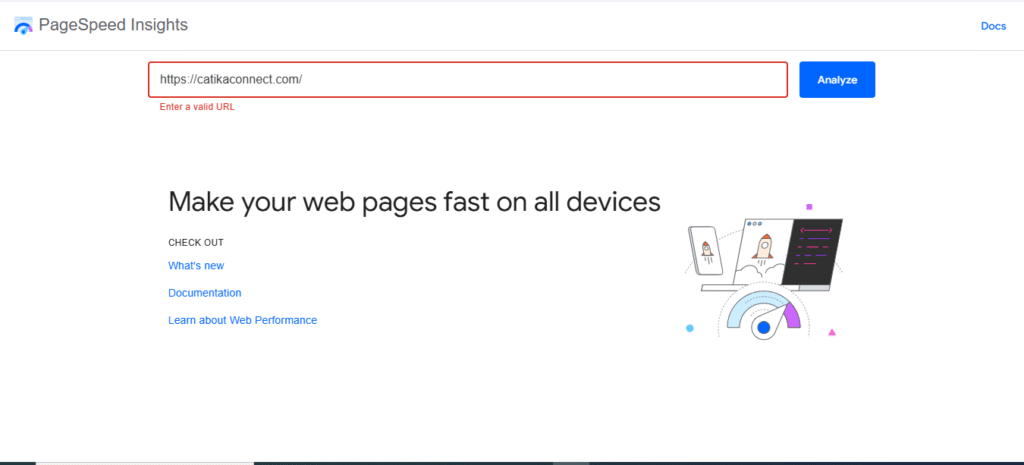
3. Google PageSpeed Insights: Boost Your Website’s Speed and User Experience
Why it’s great:
Website speed isn’t just about keeping visitors happy—it’s a direct ranking factor for Google. Slow sites lose visitors and drop in the search rankings. Google PageSpeed Insights is a free tool that analyzes your website’s speed on both desktop and mobile, then gives you actionable tips to fix any issues.
Key Features:
- Detailed speed and performance scores
- Suggestions for image optimization, code improvements, and caching
- Mobile and desktop analysis
- Easy-to-understand recommendations
Expert Tip:
Focus on the “Opportunities” section for quick wins, like compressing images or enabling browser caching. Even minor tweaks can lead to faster load times and happier visitors.
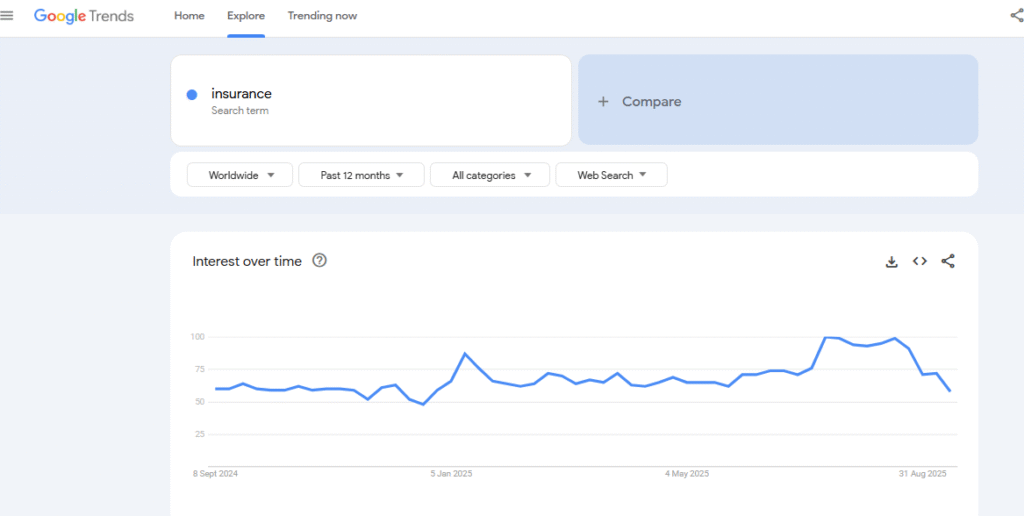
4. Google Trends: Stay Ahead with Trending Topics and Seasonality
Why it’s great:
Google Trends shows you what people are searching for right now. It’s perfect for discovering trending topics, seasonal spikes, and regional interest—so you can create content your audience actually wants.
Key Features:
- Explore trending search terms over time
- Compare keyword popularity by region
- Uncover seasonal trends and emerging topics
- Spot local opportunities for services or products
Expert Tip:
Before writing your next blog post or launching a new product, check Google Trends to see if interest is rising or falling. Ride the wave of trending topics for maximum exposure.
5. Screaming Frog: Technical SEO Made Simple
Why it’s great:
Screaming Frog’s free version crawls up to 500 pages on your website, helping you find broken links, missing tags, and duplicate content.
Key Features:
- Site audit for technical issues
- Find broken links (404s)
- Spot missing meta tags and headings
Expert Tip:
Run a crawl every month. Fixing technical issues quickly keeps your site healthy in Google’s eyes—and ensures a smooth user experience.
6. Yoast SEO: Simplifying On-Page Optimization (for WordPress)
Why it’s great:
Yoast SEO is a user-friendly WordPress plugin that helps you optimize every post and page—no techy skills required.
Key Features:
- Real-time content analysis
- Readability checks
- Easy meta title and description editing
- XML sitemap generation
Expert Tip:
Use Yoast’s readability analysis to make your content more engaging and easier to understand. Clear, concise writing can boost both SEO and user experience.
Conclusion: Start Small, Grow Big—Take Action Today
You don’t need a huge budget or a team of experts to win at SEO. By using the right tools—like Google Search Console, Yoast SEO, Ubersuggest, google trends, Google PageSpeed Insights , and Screaming Frog—you can make smart, data-driven decisions that boost your visibility and attract more customers.
Ready to take your small business or blog to the next level? Pick one tool from this list, set aside 30 minutes this week, and start exploring. Small steps add up. With consistency and the right guidance, you’ll see real results.
Need more advice or help getting started? Reach out! You’re not alone on this journey—I’m here to help you grow.
Remember: Every big brand started small. With the right SEO tools and a little determination, your business can shine online too!